Best Security Options for Government Buildings
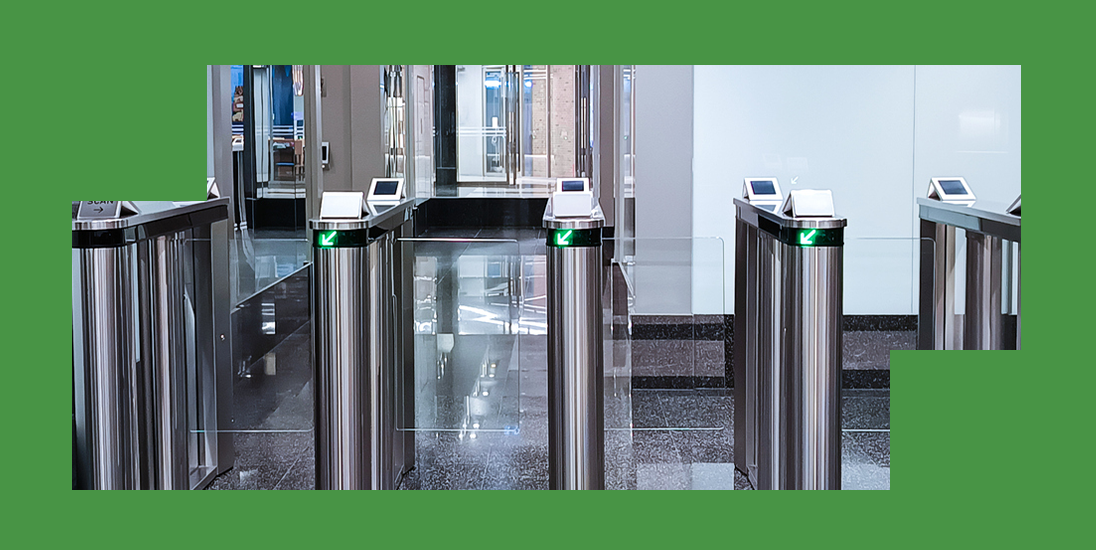
The best security options for government buildings combine controlled entry with surveillance and monitored alarms, matched to each facility’s daily operations. At a courthouse, that means protecting judicial workspaces and keeping designated public areas accessible. For city halls and public works buildings, the same approach supports public service alongside secure offices and equipment storage.
Government building security requires planning around each facility’s responsibilities, particularly where employees handle sensitive work or valuable public assets.
6 Integrated Security Solutions for Government Facilities
Connected government security solutions provide complementary layers of protection. Each option supports a specific function within your facility’s security plan.
1. Access Control Systems That Separate Staff and Public Areas
Access control systems assign entry permissions according to employee responsibilities, helping you protect staff workplaces and guide visitors toward designated public areas.
Plan access zones around the work being performed in each building, using the following examples to guide your facility’s requirements:
- Keep courthouse record rooms and judicial chambers accessible to authorized personnel through separately assigned credentials.
- Maintain public access to city hall service counters and control entry to the administrative offices behind them.
- Assign public works employees the appropriate access to equipment storage and designated work areas throughout their shifts.
Credential readers communicate with control panels to authorize entry(opens in new tab), and access control servers log events for subsequent review.
2. Surveillance Cameras for Live Monitoring and Recorded Evidence
Surveillance cameras provide live visibility during daily operations and recorded footage that supports incident review after an event occurs. For government facility surveillance, choose equipment that produces usable detail(opens in new tab) at the distances each camera needs to cover. At your facility, prioritize camera coverage at public entrances and exits, then assess visibility across parking lots and equipment yards.
Confirm how staff will retrieve and export recorded footage for authorized investigations before approving the proposed camera configuration.
During commissioning, ask your installer to demonstrate image clarity under the lighting conditions present during both public hours and evening operations.
3. AI Video Analytics That Strengthen Detection Accuracy
Artificial intelligence (AI) video analytics help you search(opens in new tab) recorded footage and identify activity that deserves attention across your government facility. With AI video analytics, cameras support specific operational tasks through the following capabilities.
- Appearance search: Locate recordings of a vehicle or person of interest so your team can review relevant footage.
- Virtual perimeter alerts: Identify activity across configured virtual boundaries around outdoor equipment or building perimeters, matching alert coverage to the area.
- People counting and heatmaps: Review visitor numbers and activity patterns in public lobbies to inform decisions about staffing or visitor flow.
4. Alarm Systems That Use Video Verification to Confirm Threats
Integrated security alarms combine sensor alerts(opens in new tab) with live video verification so operators can identify the activity that triggered an event. Through motion-detection monitoring(opens in new tab), visual assessment helps reduce unnecessary dispatches and supports response decisions tailored to the activity at your site. For a public works storage area, operators can review movement around equipment and follow the agreed-upon response procedures for that location.
In wireless installations, two-way supervised communication allows sensors and receivers to exchange messages. The receiver reports missed device check-ins to the alarm panel. Ask your installer how the proposed equipment reports communication problems so the staff understands which maintenance notifications require their attention. Remote controls for security alarm systems let authorized managers adjust arming status when approved work extends beyond the facility’s usual operating hours.
5. 24/7 Central Station Monitoring and Remote Access
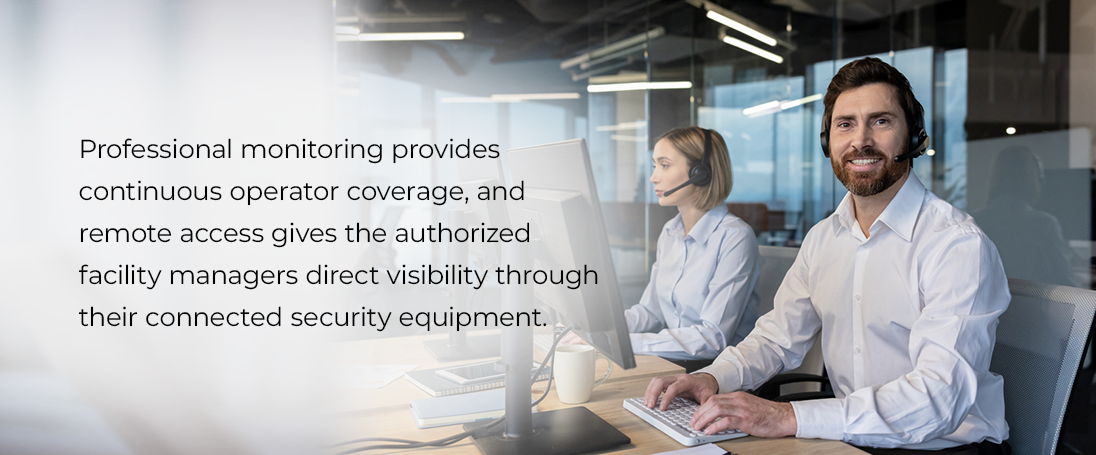
Professional monitoring provides continuous operator coverage, and remote access gives the authorized facility managers direct visibility through their connected security equipment. Through 24/7 central station monitoring,(opens in new tab) live operators assess activity and coordinate guard response, notifying authorities when escalation is appropriate. For managers overseeing several buildings, an integrated app provides access to connected camera feeds and system alerts from a mobile device.
During security events, staff communication features help managers share updates so employees can direct visitors and coordinate any necessary adjustments to public services.
6. Fire Alarms Integrated With Emergency Response Protocols
Fire alarms support life safety by detecting fire conditions and communicating alerts through monitoring arrangements established for your facility. Professionally designed fire alarm systems(opens in new tab) can include design-build support for a UL-listed fire alarm system, and engineering plans establish the proposed system before technicians begin work.
When a fire signal reaches the monitoring center, operators notify the appropriate authorities, and staff follow evacuation procedures for employees and visitors. Annual fire alarm control panel inspections provide ongoing equipment checks, complementing the monitoring service and your building’s established evacuation arrangements.
Designing a Government Security System for Budget, Staff and Growth
Build your security plan around the facility’s access requirements and budget, and include staff instruction and future expansion from the start. A facility assessment should establish protection priorities before you select equipment or request installation quotes.
Total Ownership Cost
Commercial equipment and installation costs, alongside ongoing monitoring and maintenance expenses, establish the system’s total ownership cost. When reviewing proposals, ask which work addresses your immediate priorities and which additions can form a later project phase. Review contract terms against your agency’s purchasing requirements before approving the proposed scope.
Staff Training and Technical Support
Prepare designated staff to operate the equipment through practical demonstrations during professional security system installation. Technicians should explain alarm controls and mobile access, and your facility should establish who manages permissions and responds to notifications. Confirm how employees can obtain technical assistance after installation, including the support phone number and contact details the staff should receive. A professional installation should include documented equipment locations and a clear handover, giving your team a practical reference for routine operation.
Planning for Additional Equipment
Plan future additions by matching wiring and cabling services(opens in new tab) to the equipment your facility expects to add. Before approving the initial design, discuss camera capacity and connections for additional access-controlled doors. Check compatibility requirements for each proposed expansion so later purchases support the existing infrastructure.
Get Started With Security Monster
Government facilities need a partner that’s meticulous and accurate. Security Monster provides professionally configured security systems built around equipment quality and advanced safety features suited to your facility. As a locally owned and operated company, Security Monster brings more than 15 years of experience to facilities across Eugene and Springfield. Our monitoring service uses a UL-listed, Five Diamond Certified Central Station, and our two-way supervised wireless systems come from Digital Monitoring Products (DMP).
When planning support, you can discuss same-day service availability and ongoing technical assistance alongside your initial equipment and installation requirements. Security Monster offers no long-term contracts, giving your team flexibility to compare service arrangements and plan its ongoing security investment. Call 541-342-8111(opens in new tab) or request a tailored quote(opens in new tab) to discuss the right combination of security equipment for your government facility.